Switching cycle apps: how to take all your data with you
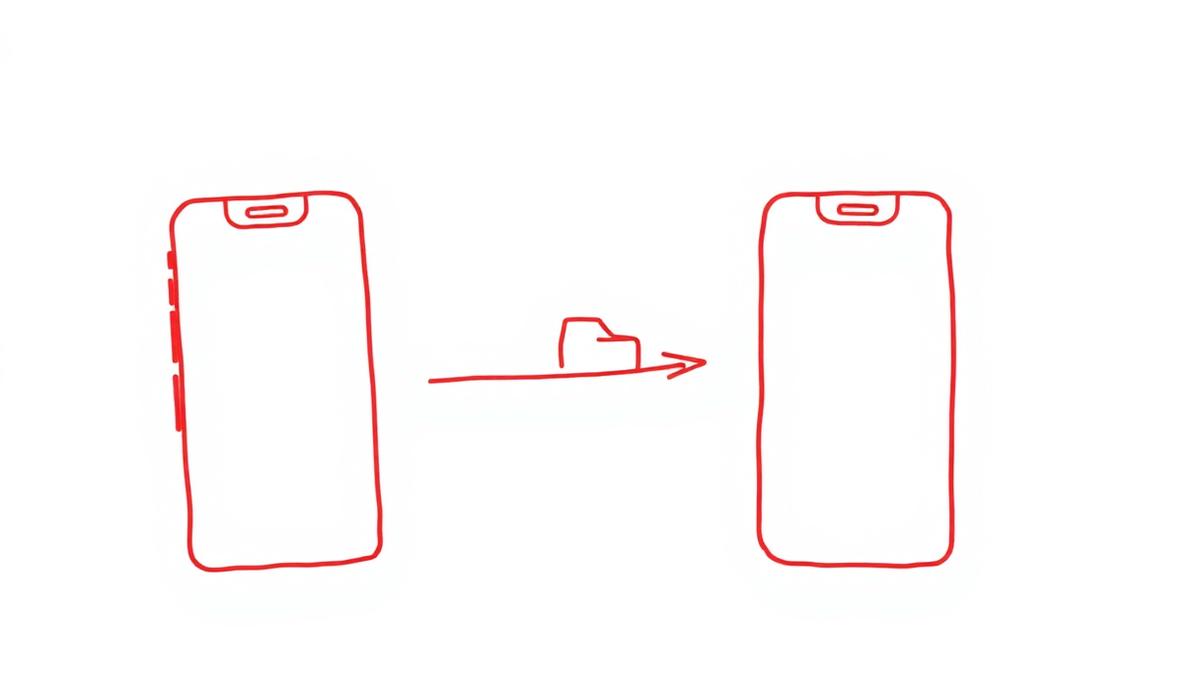
Switching cycle apps often feels like starting over. It does not have to. You have the right to a copy of your data, and with a few steps you can bring your history along — or at least keep it safely.
Step 1: request an export from your current app
Look inside the app under Settings → Privacy, Account or Your data. Some apps hand you a CSV right away, others send JSON, and some require an email request to support.
If there is no button, use your GDPR right of access and data portability (articles 15 and 20). Email support with your account details, a request for a full copy of your personal data in a machine-readable format, and a note that this is a GDPR request. The provider generally has one month to respond.
Step 2: convert the export into something usable
CSV opens directly. JSON can be converted with a spreadsheet tool or a free online converter — but do not upload health data to a random website. Work locally, or simply note the essentials: period start dates, cycle lengths and recurring symptoms.
Step 3: capture the core, not everything
An app needs surprisingly little for solid predictions:
- the start dates of your last three to six periods;
- how long your period usually lasts;
- your average cycle length;
- symptoms that keep coming back, and in which phase.
The rest is nice to have. See also why tracking does more than predicting.
Step 4: start in PERIOD. with your history
During setup you enter your recent period dates and your average cycle length. From day one, predictions are based on your pattern instead of a default 28-day cycle, and the app refines itself with every log.
Step 5: delete your old account
The step most people forget. Deleting an app is not the same as deleting your account: your data stays. Explicitly request erasure (article 17 GDPR, right to be forgotten) and ask for confirmation.
If you use an app as your contraceptive method, arrange an alternative with your doctor before switching. Cycle tracking in PERIOD. is not contraception.
FAQ
Will I lose my predictions if I switch? No. As soon as you enter your recent cycles, PERIOD. predicts from your own data.
What if my old app does not respond? Repeat the request in writing, referencing the GDPR. If there is no response within a month, you can complain to your national data protection authority.
Should I keep my old data? A local copy of your own is handy — that way you never depend on a single app.
This article is general information, not legal or medical advice.
Ready to switch? Download PERIOD. on the App Store or on Google Play. The basics stay free.
Want to understand your cycle better?